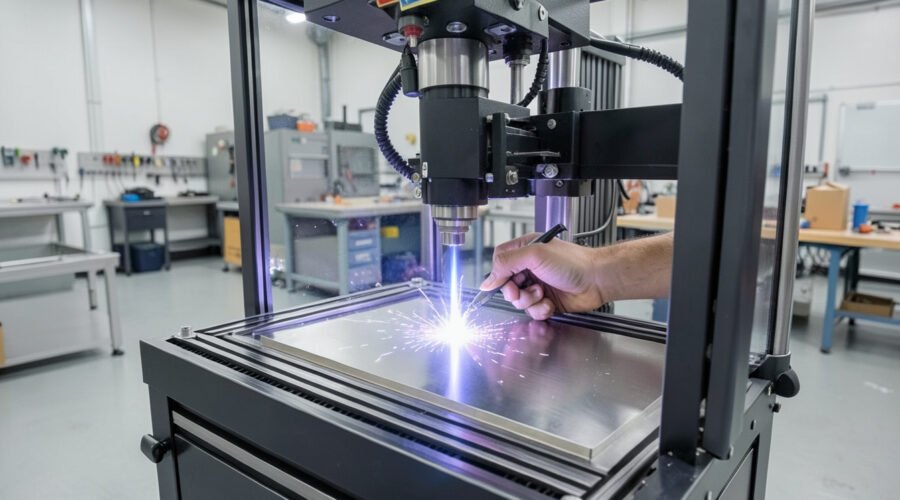
The best desktop laser for metal work is the xTool F2 Ultra: a 60W MOPA fiber laser that the listing says can engrave metals and cut 2 mm metal, plus a 40W diode laser for wood and acrylic. For cutting wood and acrylic, the TOOCAA 40W enclosed machine or the Longer RAY5 40W are better value. Diode machines do not cut steel.
Many people search for a laser cutting machine to cut metal, then find that most affordable machines cannot. This guide separates what each laser can mark, engrave or cut, using listing details and manufacturer information.
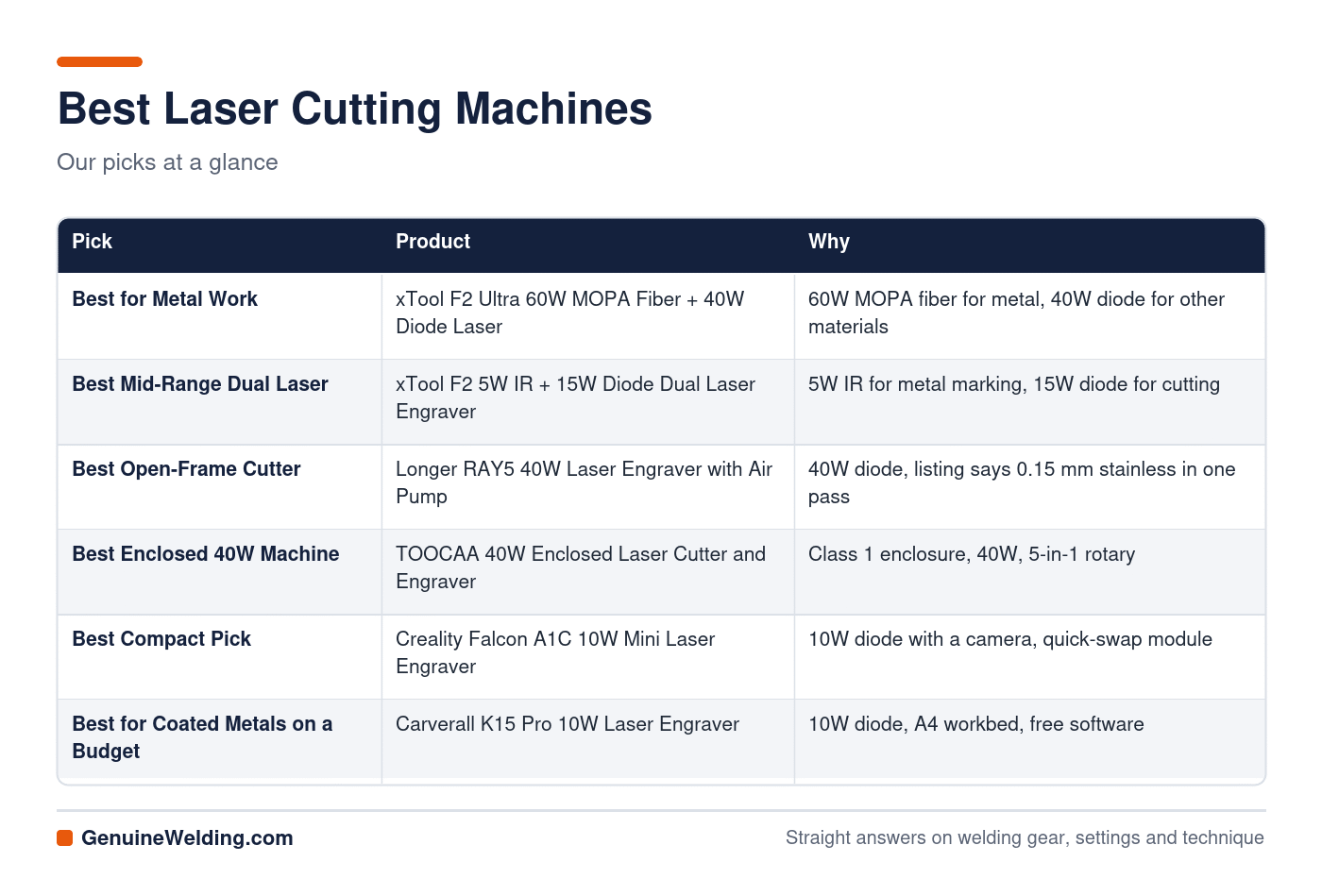
Our Top Picks
- Best for Metal Work: xTool F2 Ultra 60W MOPA Fiber + 40W Diode Laser – 60W MOPA fiber for metal, 40W diode for other materials
- Best Mid-Range Dual Laser: xTool F2 5W IR + 15W Diode Dual Laser Engraver – 5W IR for metal marking, 15W diode for cutting
- Best Open-Frame Cutter: Longer RAY5 40W Laser Engraver with Air Pump – 40W diode, listing says 0.15 mm stainless in one pass
- Best Enclosed 40W Machine: TOOCAA 40W Enclosed Laser Cutter and Engraver – Class 1 enclosure, 40W, 5-in-1 rotary
- Best Compact Pick: Creality Falcon A1C 10W Mini Laser Engraver – 10W diode with a camera, quick-swap module
- Best for Coated Metals on a Budget: Carverall K15 Pro 10W Laser Engraver – 10W diode, A4 workbed, free software
We research every pick using manufacturer specifications, published manuals and long-term owner feedback. As an Amazon Associate, GenuineWelding earns from qualifying purchases at no extra cost to you. Prices change often, so check the current price before you buy.
Comparison Table
| Product | Best for | Key feature |
|---|---|---|
| xTool F2 Ultra 60W MOPA Fiber + 40W Diode Laser | Best for Metal Work | 60W MOPA fiber for metal, 40W diode for other materials |
| xTool F2 5W IR + 15W Diode Dual Laser Engraver | Best Mid-Range Dual Laser | 5W IR for metal marking, 15W diode for cutting |
| Longer RAY5 40W Laser Engraver with Air Pump | Best Open-Frame Cutter | 40W diode, listing says 0.15 mm stainless in one pass |
| TOOCAA 40W Enclosed Laser Cutter and Engraver | Best Enclosed 40W Machine | Class 1 enclosure, 40W, 5-in-1 rotary |
| Creality Falcon A1C 10W Mini Laser Engraver | Best Compact Pick | 10W diode with a camera, quick-swap module |
| Carverall K15 Pro 10W Laser Engraver | Best for Coated Metals on a Budget | 10W diode, A4 workbed, free software |
Reviews of Our Top Picks
1. xTool F2 Ultra 60W MOPA Fiber + 40W Diode Laser – Best for Metal Work

xTool F2 Ultra 60W MOPA Fiber + 40W Diode Laser
60W MOPA fiber for metal, 40W diode for other materials
Bottom line: Of the desktop machines here, the F2 Ultra is the one built around metal. The listing describes a 60W MOPA fiber laser plus a 40W diode laser, with 3D embossing, deep engraving, color engraving and cutting of 2 mm metal. It also lists black marking on aluminum and 100-plus colors on metal. It carries dual 48MP cameras for positioning. It is a serious purchase, so check the weight, enclosure and power needs before ordering.
Key specs
- Lasers: 60W MOPA fiber plus 40W diode
- Metal cutting: 2 mm metal per listing
- Camera: Dual 48MP
- Metal marking: Black marking, color engraving, 3D embossing
Pros
- Fiber laser can mark and engrave metals directly
- Cuts thin metal sheet (2 mm per listing)
- Two lasers cover metal and non-metal
Cons
- Expensive for a desktop tool
- Cuts only thin metal; not a fabrication-shop plasma or fiber cutter
Best for: small businesses that need to engrave and cut thin metal parts.
2. xTool F2 5W IR + 15W Diode Dual Laser Engraver – Best Mid-Range Dual Laser
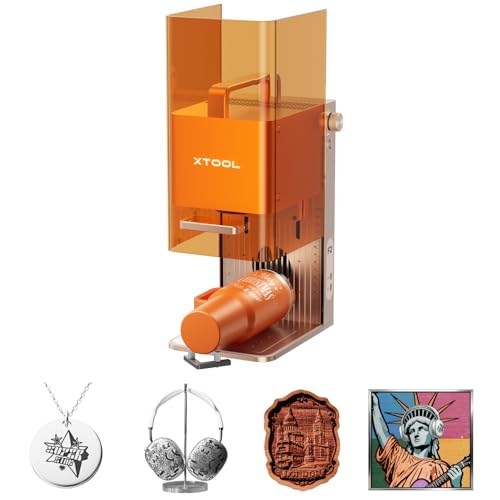
xTool F2 5W IR + 15W Diode Dual Laser Engraver
5W IR for metal marking, 15W diode for cutting
Bottom line: The F2 pairs a 5W infrared laser, which marks metal, with a 15W diode laser for cutting wood, acrylic and similar materials. The listing says speeds reach 6,000 mm/s, there is a 50MP camera for alignment, and the machine is fully enclosed with a fan. It is a marker rather than a metal cutter: the IR laser leaves dark, clear marks on metal.
Key specs
- Lasers: 5W IR plus 15W diode
- Speed: Up to 6,000 mm/s
- Camera: 50MP
- Design: Enclosed with fan
Pros
- Marks metal and cuts non-metals
- Enclosed body helps with safety and fumes
- Fast
Cons
- Not a metal cutter
- Costs more than diode-only models
Best for: makers who mark metal and cut craft materials.
3. Longer RAY5 40W Laser Engraver with Air Pump – Best Open-Frame Cutter

Longer RAY5 40W Laser Engraver with Air Pump
40W diode, listing says 0.15 mm stainless in one pass
Bottom line: Longer’s RAY5 40W is an open-frame diode machine. The listing says it can cut up to 20 mm wood, 30 mm black acrylic and 0.15 mm stainless steel in a single pass, and it has an air pump, a 32-bit board and a 256-color palette. The 0.15 mm figure is foil-thin, so treat this as a tool for engraving coated metals and cutting thin foil, not for cutting sheet steel.
Key specs
- Laser: 40W diode
- Max speed: 24,000 mm/min
- Spot size: 0.08 x 0.1 mm
- Air assist: Built-in air pump
Pros
- Powerful for a diode
- Air assist improves cuts
- Large work area
Cons
- Open frame needs enclosure and eye protection
- Does not cut real sheet metal
Best for: hobbyists cutting wood and acrylic who also engrave coated metals.
4. TOOCAA 40W Enclosed Laser Cutter and Engraver – Best Enclosed 40W Machine

TOOCAA 40W Enclosed Laser Cutter and Engraver
Class 1 enclosure, 40W, 5-in-1 rotary
Bottom line: The TOOCAA is a 40W diode machine inside a certified Class 1 enclosure. The listing says it cuts 12 mm pinewood in one pass and includes a five-in-one rotary roller. The enclosure keeps the beam contained, which matters for safety. As with all diode lasers, it is not a metal cutter.
Key specs
- Laser: 40W diode
- Safety: Class 1 enclosure
- Software: TOOCAA Studio, LightBurn compatible
- Extras: 5-in-1 rotary
Pros
- Enclosed and safer
- Works with LightBurn
- Rotary accessory included
Cons
- Cannot cut metal sheet
- Bulky compared with open-frame models
Best for: workshops that cut wood and acrylic and need an enclosed machine.
5. Creality Falcon A1C 10W Mini Laser Engraver – Best Compact Pick

Creality Falcon A1C 10W Mini Laser Engraver
10W diode with a camera, quick-swap module
Bottom line: A compact 10W machine with a smart camera, auto-focus, a quick-swap laser module and speeds up to 15,000 mm/min, per the listing. It is built for portability and ease of use. Like the other diode machines, it engraves coated metals and cuts wood, but it does not cut steel.
Key specs
- Laser: 10W diode
- Speed: Up to 15,000 mm/min
- Camera: HD smart camera with auto focus
- Safety: Class 1
Pros
- Small footprint
- Camera alignment
- Quick-swap module
Cons
- Limited power
- Not for cutting metal
Best for: beginners with limited bench space.
6. Carverall K15 Pro 10W Laser Engraver – Best for Coated Metals on a Budget

Bottom line: The K15 Pro is a 10W diode laser designed for engraving coated metal, wood and similar materials. The listing gives an A4-size 11.8 x 7.9 in. bed, a dual-fan diode module and free CutLabX software. Diode lasers mark painted or coated metals but cannot engrave bare steel without a marking spray.
Key specs
- Laser: 10W diode
- Bed: 11.8 x 7.9 in.
- Cooling: Dual-fan diode module
- Software: Free CutLabX
Pros
- Low entry price
- Free software
- Simple setup
Cons
- Marks coated metal only
- Small bed
Best for: entry-level users who want to try engraving.
Can a Laser Cutter Cut Metal?
It depends on the laser type. Consumer diode lasers (the most common desktop type) cut wood, acrylic, leather and paper, and engrave coated or painted metals, but they do not cut sheet steel or aluminum. Fiber and MOPA lasers can mark bare metal directly, and some desktop fiber units list cutting of very thin metal such as 2 mm. Cutting plate steel needs an industrial fiber laser of several kilowatts, or a plasma cutter. If your goal is to cut steel in a fab shop, see our best plasma cutters.
Diode, Fiber, MOPA and CO2 Lasers
- Diode: low cost, good for wood and acrylic, marks coated metal.
- Infrared (IR): marks bare metal and some plastics.
- Fiber and MOPA: marks, engraves and in some units cuts thin metal; MOPA allows color marking on stainless steel.
- CO2: cuts thicker non-metals and engraves glass, but is not good at bare metal.
Laser Safety Basics
Laser light can damage the eyes and skin and can start fires. OSHA lists laser hazards in its guidance, and every laser needs the correct protective eyewear for its wavelength. Use an enclosed Class 1 machine where possible, ventilate fumes outdoors, never leave the machine unattended while it is running, and keep a fire extinguisher nearby. Never cut PVC or vinyl, which release chlorine gas.
What to Check Before Buying
- Laser type and power in watts
- Enclosure and safety class
- Work area and weight
- Software support such as LightBurn
- Air assist for clean cuts
- Which metals the listing says it can mark or cut, and at what thickness
FAQs
What is the best laser cutting machine for metal?
For desktop use, the xTool F2 Ultra with its 60W MOPA fiber laser is the one listed for metal work, including cutting 2 mm metal. Diode machines mostly engrave coated metals.
Can a 40W diode laser cut steel?
No. A 40W diode can cut wood and acrylic and mark coated metal, but it cannot cut sheet steel.
What is the difference between a laser engraver and a laser cutter?
The hardware is the same. Cutting uses higher power and slower speed to go all the way through the material.
Do I need an enclosure?
Yes, or a very good eye-protection plan. An enclosed Class 1 machine is the safest choice, especially in a shared workspace.
Are laser cutters safe to use at home?
They can be, with an enclosure or proper eyewear, ventilation and fire precautions. Never run one unattended.
What software do I need?
Most come with their own app. LightBurn is a popular third-party option that works with many diode machines.
Final Verdict
If you need to engrave or mark metal, buy a fiber or MOPA machine like the xTool F2 Ultra. If you mainly cut wood and acrylic and engrave coated metal, a 40W diode machine from TOOCAA or Longer is enough. For cutting sheet steel, use a plasma cutter or an outside laser-cutting service.
Sources
- xTool F2 Ultra listing
- xTool F2 listing
- Longer RAY5 40W listing
- TOOCAA 40W listing
- OSHA: Laser hazards